> ## Documentation Index
> Fetch the complete documentation index at: https://docs-staging.auth0-mintlify.app/llms.txt
> Use this file to discover all available pages before exploring further.
> JWT Vault 接続を設定し、JSON Web トークンの署名、検証、デコードを行う方法を学びます。
# JWT Vault 接続
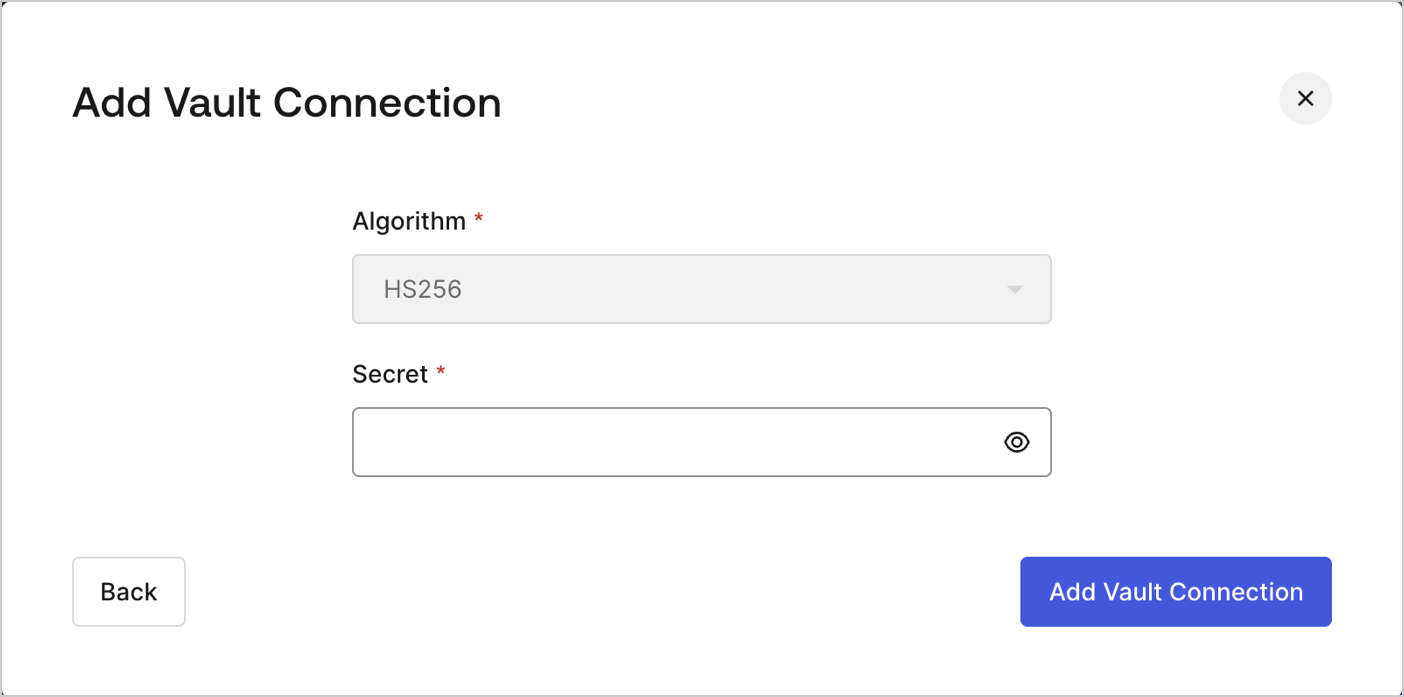
Flows の JWT Actions で JSON Web トークンに署名し、デコードして検証できるように JWT Vault 接続を設定するには、必要なパラメーターを指定する必要があります。
 | パラメータ | 説明 |
| ------ | -------------------------------------- |
| Secret | JWT のエンコードに使用する HS256 アルゴリズム用の Secret。 |
| パラメータ | 説明 |
| ------ | -------------------------------------- |
| Secret | JWT のエンコードに使用する HS256 アルゴリズム用の Secret。 |