> ## Documentation Index
> Fetch the complete documentation index at: https://docs-staging.auth0-mintlify.app/llms.txt
> Use this file to discover all available pages before exploring further.
> WhatsApp 経由でメッセージを送信するための WhatsApp Vault 接続 の設定方法を説明します。
# WhatsApp Vault 接続
WhatsAppのトークンを取得する
[WhatsApp](https://developers.facebook.com/blog/post/2022/12/05/auth-tokens/)でtokenを生成する方法をご確認ください。
WhatsApp Flow Actions 用の WhatsApp Vault 接続を設定するには、必要なパラメータを設定します。
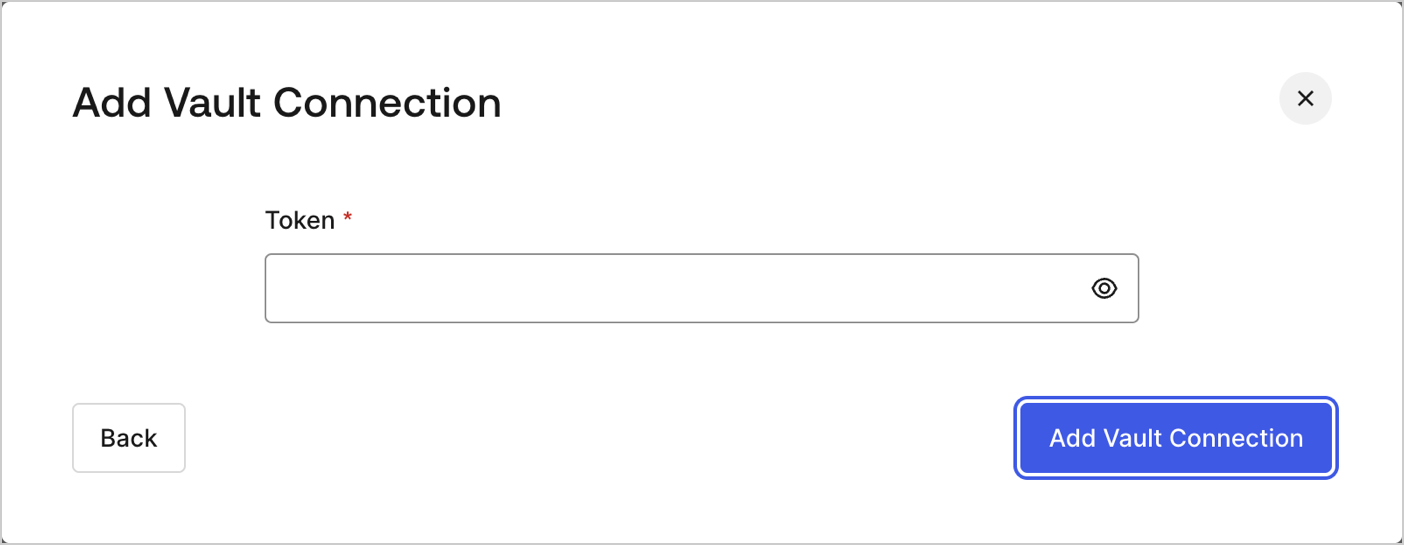 | パラメータ | 説明 |
| ----- | ---------------------------- |
| Token | WhatsApp API の認証用に生成されたトークン。 |
| パラメータ | 説明 |
| ----- | ---------------------------- |
| Token | WhatsApp API の認証用に生成されたトークン。 |